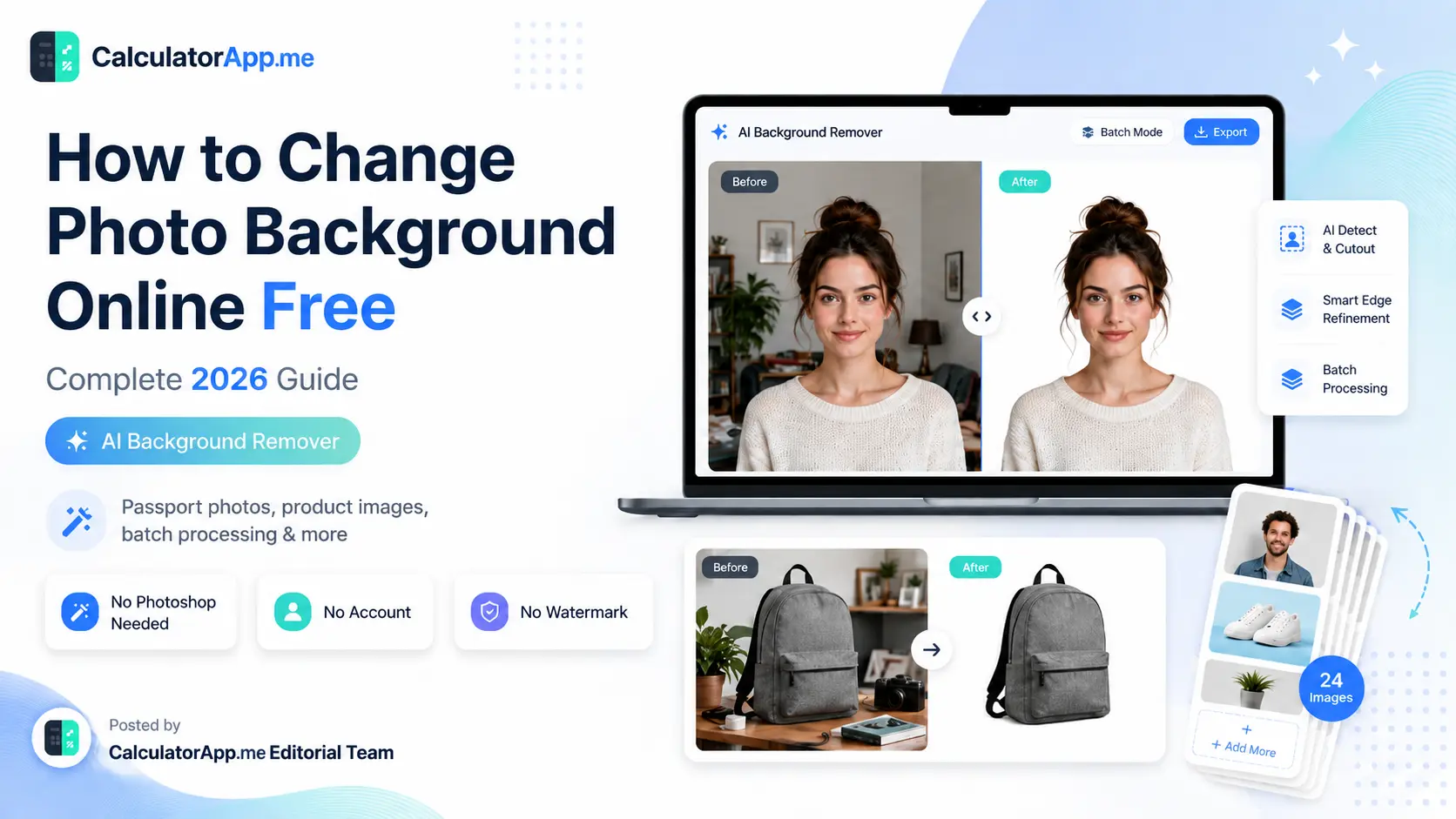
How to Change Photo Background Online Free — Complete 2026 Guide (AI Background Remover)
Table of Contents
Whether you need to change the background of a photo for a passport, make a product shot pop on a white background, or simply swap a messy room backdrop for something clean — you can now do it all online, free, in under 10 seconds. No Photoshop. No design skills. No subscription.
This guide covers everything: how AI background removal works, step-by-step instructions, the difference between active and passive removal techniques, passport photo requirements, and why free online tools have made Adobe's $600/year subscription optional for most people.
What Is an Online Background Remover?
An online background remover is a browser-based tool that detects the subject in your photo (a person, product, animal, or object) and automatically erases the background, leaving you with a clean, transparent PNG or a photo with a new background applied.
Modern tools use AI-powered segmentation models trained on millions of images. They identify edges, hair strands, semi-transparent areas, and complex shapes with near-Photoshop accuracy — instantly, without any manual selection or pen-tool tracing.
The result: what used to take 20 minutes in Photoshop now takes under 10 seconds online.
Active vs Passive vs Intensive Background Removal — What's the Difference?
Understanding these three approaches helps you pick the right method for your task:
Active Background Removal (Manual)
You do the work. Tools like Photoshop's Quick Selection Tool, Background Eraser, or Pen Tool let you manually trace around your subject. Results can be pixel-perfect, but it takes 15–45 minutes per image and requires real skill. This is the active approach — you're actively removing the background stroke by stroke.
Passive Background Removal (AI / One-Click)
The AI does the work. You upload the image, the algorithm identifies the subject and background, and within seconds you get a transparent PNG. Tools like CalculatorApp.me's free AI background remover, Remove.bg, and Adobe Express use this passive approach. Zero effort from the user — the model handles detection, masking, and edge refinement automatically.
This is the method 95% of users need for everyday tasks: remove background from image online, download, done.
Intensive Background Removal (Batch Processing)
Need to process 50 product photos at once for your e-commerce store? That's intensive removal. Instead of removing one background at a time, batch tools let you upload multiple files, apply the same settings (white background, shadow, specific output size), and download all processed images in a ZIP. This is ideal for:
Amazon, Flipkart, Meesho, and Etsy sellers standardizing product photos
HR teams processing employee headshots
Photographers delivering bulk portrait edits
Real estate agents removing backgrounds from property photos
How to Change Photo Background Online — Step-by-Step (Free)
Here's exactly how to change the background of a photo online free using CalculatorApp.me:
Go to the Background Remover tool
Visit calculatorapp.me/bg-remover. No sign-up required. Works on desktop, tablet, and mobile.Upload your image or paste a URL
Drag and drop a JPG, PNG, or WebP file — up to 10MB. Or paste a direct image URL to import from the web. Supported formats include standard photos, product shots, and portrait photos.AI removes the background instantly
The AI model processes your image in 2–5 seconds. It detects the subject, traces edges (including hair and fur), and outputs a clean transparent PNG. For most photos this is pixel-accurate without any manual touch-up.Choose your new background
In the Background Options panel, pick from:Transparent — keep as PNG with no background
White — perfect for passport photos, Amazon listings, and resumes
Custom color — use the color picker or type a hex code (e.g.
#003580for passport blue)Blur — apply a professional bokeh blur to the original background
Gradient — choose a two-color gradient for social media or studio looks
Shadow — add a natural drop shadow to make the subject pop
Upload custom image — place your subject against any photo you choose
Download your result
Click Download. Your processed image saves immediately — no watermark, no login, no cost. Choose PNG for transparency or JPG for smaller file sizes.
Passport Size Photo Background Change Online Free
One of the most searched use cases worldwide: passport size photo background colour change online free. Whether it's for a US passport (white background), Indian passport (white), UK passport (light cream/white), or a visa application, here's what you need to know:
Official Background Color Requirements by Country
Document | Required Background | Hex Code |
|---|---|---|
US Passport | White or off-white | #FFFFFF or #F5F5F5 |
Indian Passport | White | #FFFFFF |
UK Passport | Light cream / white | #FAF7F0 |
Schengen Visa | White or light grey | #FFFFFF or #F0F0F0 |
US Visa (B1/B2) | White | #FFFFFF |
To change your passport photo background:
Upload your portrait photo to the background remover
Let AI remove the background
In Background Options, choose Custom Color
Type
#FFFFFF(pure white) in the hex fieldDownload the PNG
Print at 2×2 inches (US) or 35×45mm (EU/India)
Pro tip: Many photo studios charge ₹100–₹200 or $5–$15 for this exact process. With our free tool, you do it in under 30 seconds at zero cost.
Resume & Job Application Photos
In India, Germany, and much of Asia, resume photos with a white or light blue background are standard. Use the same steps above. For a professional blue-grey background popular in corporate headshots, try hex code #E8EFF5.
How to Change Background Color of a Photo Online
Beyond passport photos, changing background color has dozens of everyday uses:
Product photography: White backgrounds are required by Amazon, Flipkart, Etsy. Use hex
#FFFFFF.Social media headshots: LinkedIn prefers clean, neutral backgrounds. Try light grey (
#F2F2F2) or soft blue (#D6E4F0).Creative projects: Brand colors, gradients, or seasonal themes (e.g., holiday red for Christmas product shots).
ID cards: Many organizations require specific background colors for employee IDs.
The color picker in CalculatorApp.me's bg-remover lets you:
Click a color swatch to open a visual picker
Type any 6-digit hex code directly
Preview the result in real-time before downloading
Remove Background Without Photoshop — 5 Reasons Why Free Online Tools Win
Adobe Photoshop costs $54.99/month (or $22.99/month for Photography plan). For most background-removal tasks, that's completely unnecessary. Here's why free online tools like ours beat Photoshop for 95% of use cases:
Zero installation
Photoshop is a 3.5GB download. Our tool runs in your browser — open the URL, done. Works on Chromebook, iPad, or any device with a browser.Faster for simple subjects
For portraits, products, and animals, AI removes the background in 2–5 seconds. In Photoshop, even an experienced user takes 5–20 minutes with the Pen Tool for clean edges.Free, always
No trial period. No watermarks. No "free tier with 5 downloads/month." Unlimited use at no cost.Batch processing
Upload multiple images at once and process all of them. Photoshop requires Actions/Batch automation setup — not beginner-friendly.Built-in background options
After removing, apply a new background (color, gradient, blur, custom image) without switching apps. In Photoshop, you'd need to open a second file, duplicate layers, and composite manually.
Free Alternative to Adobe Background Remover — Head-to-Head Comparison
Adobe offers background removal inside Adobe Express (free tier, limited) and Photoshop (paid). Here's how we compare:
Feature | CalculatorApp.me | Adobe Express (Free) | Remove.bg |
|---|---|---|---|
Price | ✅ Free (unlimited) | ⚠️ Free (limited credits) | ⚠️ Free (1 image/session at low res) |
No sign-up | ✅ Yes | ❌ Adobe account required | ✅ Yes |
Full resolution download | ✅ Yes | ❌ Paid tier only | ❌ Paid tier only |
Batch processing | ✅ Yes | ❌ No | ⚠️ API only (paid) |
Custom background color | ✅ Yes (hex picker) | ✅ Yes | ✅ Yes (paid) |
Blur / gradient background | ✅ Yes | ✅ Yes | ❌ No |
Shadow effect | ✅ Yes | ❌ No | ❌ No |
Passport photo compliance | ✅ White/custom color | ✅ Yes | ✅ Yes (paid) |
Works on mobile browser | ✅ Yes | ⚠️ App preferred | ✅ Yes |
For most everyday use — remove background from image, change to white, download full resolution, no account — CalculatorApp.me is the strongest free option available.
Advanced Background Techniques: Blur, Gradient & Shadow
Beyond plain color backgrounds, advanced background effects can dramatically improve how a photo looks:
Blur Background (Bokeh Effect)
Instead of removing the background entirely, the blur mode keeps the original background and applies a Gaussian blur (like a DSLR camera's depth-of-field effect). This is perfect for:
Professional portrait photos where you want context but no distraction
LinkedIn headshots where a natural-looking background is preferred
Video call screenshots that need softening
Gradient Background
Choose two colors and the tool creates a smooth linear gradient. Popular gradient combinations:
White to light blue — clean, corporate look for LinkedIn
Dark navy to teal — tech/startup product shots
Peach to lavender — lifestyle and beauty product photography
Drop Shadow
Adds a realistic shadow beneath the subject. Especially effective for:
Product listings on white backgrounds — shadows add depth and realism
E-commerce thumbnails that look 3D
Marketing banners where subjects need to "lift off" the background
Product Photo Background Remover for E-Commerce
If you sell on Amazon, Flipkart, Meesho, Etsy, or Shopify, you know that white background product photos aren't optional — they're required. Amazon's image guidelines explicitly state: primary images must have a pure white background (RGB 255, 255, 255).
Here's a professional workflow for e-commerce product photography using our free tool:
Photograph your product against any background (grey, blue, even outdoors)
Upload to the batch background remover
Select White Background preset
Optionally add a drop shadow for depth
Set output quality to 100%
Download the ZIP file with all processed images
Upload directly to your Amazon Seller Central, Shopify, or Meesho dashboard
This workflow replaces a professional product photographer + retoucher process that typically costs ₹500–₹2,000 or $10–$50 per image.
Common Mistakes When Removing Backgrounds
Even with AI tools, a few things can affect quality. Avoid these pitfalls:
Low contrast between subject and background: A white shirt against a white wall confuses even the best AI. Shoot against a contrasting background whenever possible.
Blurry edges: Out-of-focus subject edges make segmentation harder. Use a sharp, in-focus photo.
Very small subjects: Tiny objects in large frames may be misidentified. Crop tightly around the subject before uploading.
Hair and fur complexity: Wispy or curly hair sometimes has small artifacts. Use the edge refinement features if your tool supports it, or photograph against a contrasting solid color.
Busy, complex scenes: Group shots or heavily cluttered backgrounds take longer and may need manual touch-up.
Background Remover for Different File Formats
Understanding output formats matters:
PNG: Supports transparency (alpha channel). Use for transparent backgrounds, logos, and overlays. Larger file size.
JPG/JPEG: No transparency support. Use when you've applied a solid color or image background and want a smaller file. Better for websites and email.
WebP: Modern format with smaller size and transparency support. Ideal for web use. Not all platforms accept it (e.g., Amazon still prefers JPG/PNG).
Our tool automatically outputs PNG for transparent backgrounds and lets you choose PNG or JPG when a background color is applied.
Is It Safe to Upload My Photos?
Privacy is a valid concern when uploading personal photos online. Here's how CalculatorApp.me handles your images:
Images are processed on secure servers and not stored permanently
No human reviews your uploaded photos
Processed images are automatically deleted after the session
No account or personal information required
HTTPS encryption for all transfers
You can safely upload passport photos, ID photos, and personal portraits.
Frequently Asked Questions
How do I change the background of a photo online for free?
Go to calculatorapp.me/bg-remover, upload your photo, let AI remove the background, then choose a new background color or image in the Background Options panel. Download the result — no account or payment needed.
Can I change my passport photo background to white for free?
Yes. Upload your passport photo, let AI remove the background, select Custom Color and type #FFFFFF (white). Download the result and print at the required size (2×2 inches for US, 35×45mm for EU/India). This meets official passport photo background requirements.
What is the difference between background remover and background eraser?
Both terms describe the same function — removing the background from an image. "Background remover" typically refers to AI-powered one-click tools. "Background eraser" often refers to manual brush tools in apps like Photoshop where you paint over areas to erase them.
Is AI background removal as good as Photoshop?
For portraits, products, and simple subjects: yes, often better and always faster. Photoshop still has an edge for extremely complex scenes (multiple overlapping transparent objects, reflective surfaces). For 95% of everyday use cases, AI tools produce identical or superior results in a fraction of the time.
Can I remove background from multiple images at once?
Yes. The batch background remover at calculatorapp.me/bg-remover supports uploading and processing multiple images simultaneously. Download all results as a ZIP file.
What file formats are supported for upload?
JPG, PNG, and WebP are supported. Maximum file size is 10MB per image. For best results, use the highest resolution image available.
How do I change the background color without Photoshop?
Upload your image to our free background remover. After the background is removed, click the Custom Color option and pick any color using the visual picker or enter a hex code. The background is applied instantly and you can download the result without installing any software.
Is the background remover free to use without watermark?
Yes. Full resolution, no watermark, no credit limits, no account required. Completely free.
Conclusion: The Fastest Free Way to Change Any Photo Background
The old way — Photoshop, expensive studios, hour-long editing sessions — is no longer necessary for most background-removal tasks. AI has democratized what used to be a professional skill.
Whether you need to change your passport photo background online free, create perfect product shots for your online store, swap a distracting room for a clean gradient, or simply remove a background without Photoshop in seconds — the tools are free, instant, and more capable than ever.
Try the free AI background remover now →
No sign-up. No watermark. No cost. Full resolution download in seconds.
Frequently Asked Questions
Our Methodology
All background remover content on CalculatorApp.me is reviewed by subject-matter experts, cross-referenced with official sources, and updated regularly for accuracy. Our formulas and data are verified against industry standards and government publications.
Jordan Hayes
Verified AuthorPersonal Finance Content Strategist
Jordan is a personal finance content strategist with 9+ years writing about mortgages, retirement, tax strategy, and budgeting. Every guide is cross-referenced with IRS publications, Federal Reserve data, and CFPB guidance to make complex calculations accessible. Editor at CalculatorApp.me.
Found this helpful? Share it!
Stay Updated
Get notified when we launch new calculators and features.
No spam. Unsubscribe anytime.