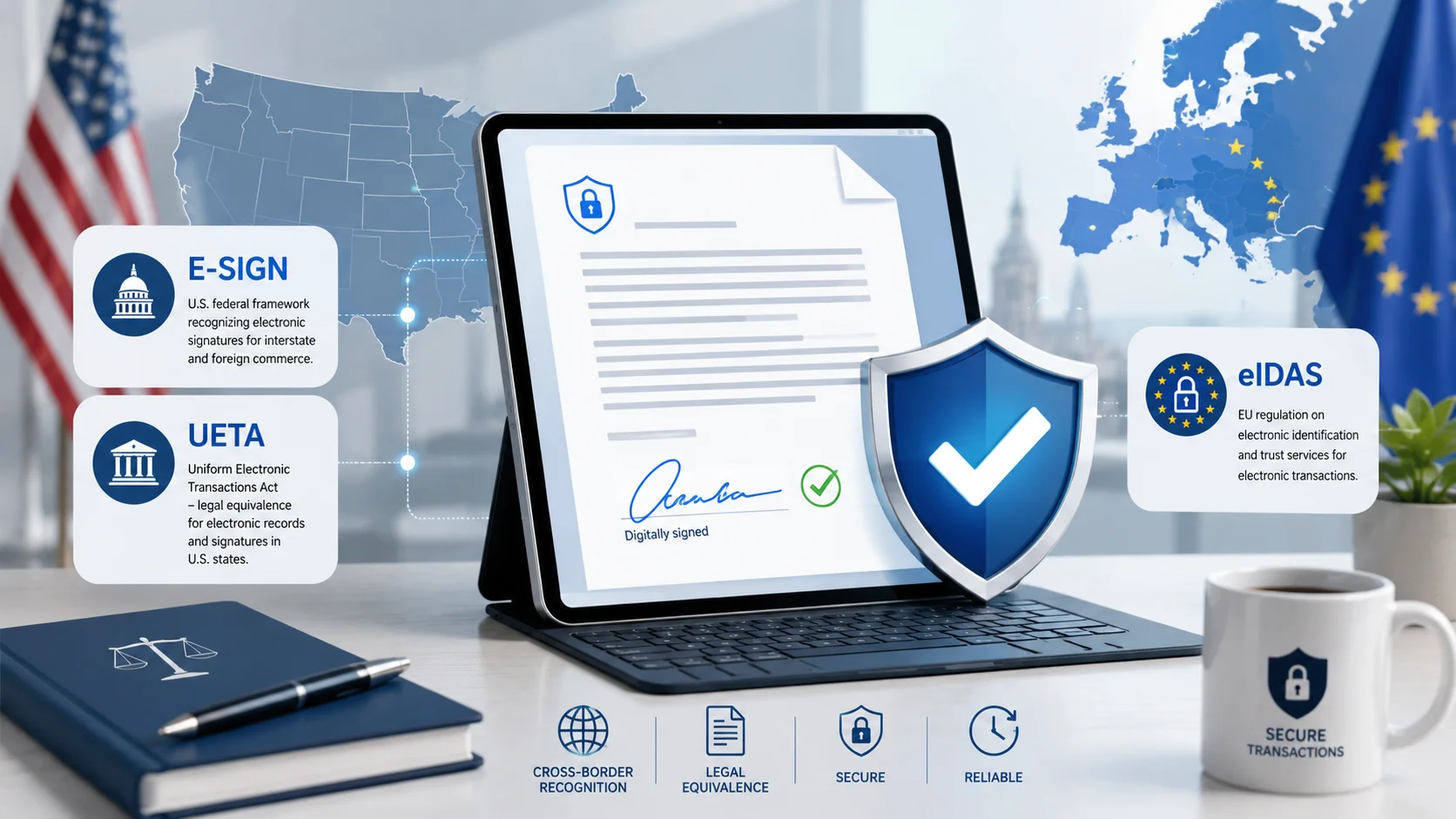
Are Electronic Signatures Legal? E-SIGN, UETA & eIDAS Explained in Plain English
Table of Contents
Electronic signatures are legally binding for most business and personal documents in the US (E-SIGN Act, 2000 + UETA), the EU (eIDAS regulation), the UK, Canada, Australia, and 100+ other countries. A typed name, drawn signature, or uploaded signature image on a PDF all qualify — what matters is intent to sign and consent to do business electronically. Key exceptions that still require ink or notarization: wills, some family-law documents, and certain court filings. Sign PDFs free with a browser signing tool.
The Short Answer
Yes. In the United States, electronic signatures have carried the same legal weight as handwritten ones since the E-SIGN Act (Electronic Signatures in Global and National Commerce Act) was signed in June 2000. It says, in essence: a signature, contract, or record may not be denied legal effect solely because it is in electronic form.
Before E-SIGN, most states had already adopted the UETA (Uniform Electronic Transactions Act, 1999) — today 49 states plus DC follow UETA, and New York achieves the same result through its own ESRA statute. Together they make e-signatures enforceable in essentially every US jurisdiction.
What Legally Counts as an Electronic Signature?
The legal definition is broader than most people expect: "an electronic sound, symbol, or process attached to or logically associated with a record and executed or adopted by a person with the intent to sign." In practice, all of these qualify:
- A typed name at the end of a document or in a signature field
- A drawn signature made with mouse, finger, or stylus
- An uploaded image of your handwritten signature placed on the document
- Clicking "I agree" on clearly presented terms
All three PDF methods — type, draw, upload — are available in the free PDF signing tool. The legal weight comes from your intent and the surrounding evidence, not from which method you pick.
The Four Requirements for a Valid E-Signature (US)
- Intent to sign. The signer meant to sign — placing a signature on a signature line demonstrates this.
- Consent to do business electronically. Explicit for consumer transactions; implied between businesses that exchange documents electronically.
- Association with the record. The signature is attached to or logically part of the signed document — embedded in the PDF itself, not in a separate file.
- Record retention. A copy of the signed document is available to all parties.
EU and International: eIDAS Signature Levels
The EU's eIDAS regulation (in force since 2016) recognizes three tiers:
| Level | What it is | Typical use |
|---|---|---|
| Simple (SES) | Any electronic mark with intent — typed, drawn, or uploaded | Everyday contracts, HR documents, NDAs, invoices |
| Advanced (AES) | Uniquely linked to the signer with tamper detection | Higher-value B2B agreements |
| Qualified (QES) | Certificate-based, issued by an audited provider | The few cases where law demands it (some loans, notarial acts) |
Crucially, eIDAS Article 25 mirrors E-SIGN: even a simple electronic signature cannot be denied legal effect merely for being electronic. The UK retained an equivalent framework post-Brexit; Canada (PIPEDA + provincial acts) and Australia (Electronic Transactions Act) follow the same principle.
Documents That Still Need Ink or a Notary

E-SIGN and UETA carve out categories where electronic signatures are not automatically valid:
- Wills, codicils, and testamentary trusts
- Family-law documents: adoption, divorce decrees (varies by state)
- Court orders and certain official court filings
- Notices of utility shutoff, eviction, foreclosure, and insurance cancellation
- Documents required to accompany hazardous-materials transport
Some states now permit electronic wills and remote online notarization — but treat this list as "check with a lawyer first" territory.
How to Sign a PDF That Holds Up: Practical Checklist
- Sign with the free PDF eSignature tool — draw, type, or upload your signature and place it on the signature line.
- Add the date next to your signature (use a text box if the document lacks a date field).
- Flatten the PDF after signing so the signature and fields can't be moved or edited afterwards.
- Email it to the other party — the sent email itself becomes retention evidence with a timestamp.
- For sensitive agreements, password-protect the file (guide: how to password protect a PDF) and keep the original unsigned version.
Frequently Asked Questions
Is a typed name really a legal signature?
Yes, when typed with intent to sign on a document you had the chance to review. Courts have enforced typed names, initials, and even email sign-offs as signatures.
Do both parties need to sign electronically?
No. One party can sign in ink and the other electronically — mixed execution is routine and valid.
Can I use a photo of my handwritten signature?
Yes. Upload it in the signing tool and place it on the line. Legally it's equivalent to typing or drawing.
What makes an e-signature invalid?
The same things that invalidate ink signatures: fraud, coercion, lack of capacity, or signing a document you never saw. The electronic form itself is not grounds for invalidity.
How do I fill and sign a form someone emailed me?
Use the form filler for the fields and the signing tool for the signature — or do both in the full PDF editor. See our complete editing guide.
Is this article legal advice?
No — it's general information about widely documented statutes. For high-stakes documents or jurisdiction-specific questions, consult a licensed attorney.
Frequently Asked Questions
Our Methodology
All pdf content on CalculatorApp.me is reviewed by subject-matter experts, cross-referenced with official sources, and updated regularly for accuracy. Our formulas and data are verified against industry standards and government publications.
Jordan Hayes
Verified AuthorPersonal Finance Content Strategist
Jordan is a personal finance content strategist with 9+ years writing about mortgages, retirement, tax strategy, and budgeting. Every guide is cross-referenced with IRS publications, Federal Reserve data, and CFPB guidance to make complex calculations accessible. Editor at CalculatorApp.me.
Found this helpful? Share it!
Stay Updated
Get notified when we launch new calculators and features.
No spam. Unsubscribe anytime.