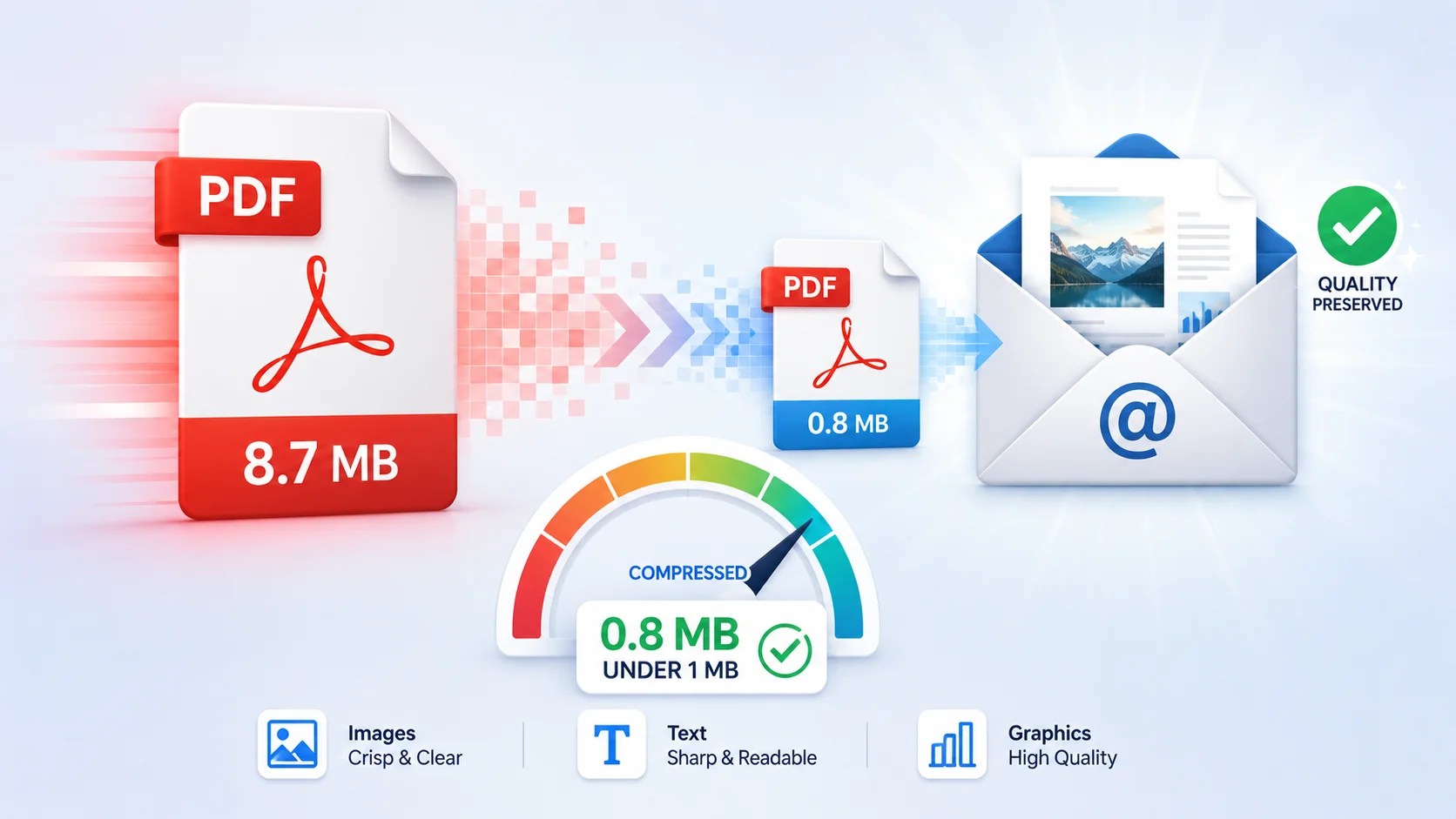
How to Compress a PDF for Email: Get Under 1 MB Without Losing Quality
Table of Contents
PDF size is almost always driven by images, not text — a text-only page is ~10–50 KB while one scanned page at 600 DPI can exceed 2 MB. To shrink a PDF: use a free PDF compressor (downsamples images to screen resolution and re-encodes them), delete pages you don't need, or split the file. Typical results: scanned documents shrink 60–90%, image-heavy reports 40–70%, text-only files 5–20%.
Why Is My PDF So Large?
Four things inflate PDF size, in descending order of impact:
- Scanned or photographed pages. A scanner at 600 DPI produces ~35 megapixels per page. Ten scanned pages can exceed 25 MB before you've written a word.
- High-resolution embedded images. A 12 MP phone photo dropped into a report carries print-grade resolution the reader will never see on screen.
- Embedded fonts. Each fully-embedded font adds 100 KB–1 MB. Documents with many typefaces accumulate weight fast.
- Unflattened layers and form data. Design exports and filled forms can carry hidden layers, annotation history, and duplicate resources.
The Size Limits You're Fighting
| Destination | Attachment limit |
|---|---|
| Gmail | 25 MB |
| Outlook / Microsoft 365 (default) | 20 MB (often 10 MB on corporate servers) |
| Yahoo Mail | 25 MB |
| WhatsApp document share | 2 GB (but mobile data matters) |
| Government & visa portals | Commonly 1–4 MB per file |
| Job application systems (ATS) | Commonly 2–5 MB |
The stubborn ones are portals demanding under 1 MB — that target usually requires aggressive image downsampling, page removal, or both.
How PDF Compression Actually Works
A PDF compressor applies three techniques:
1. Image downsampling
Screens display ~96–150 effective DPI. Compression resamples 300–600 DPI images down to ~120–150 DPI — visually identical on screen, a fraction of the pixels. This is where the big savings come from.
2. Image re-encoding
Images are re-encoded as quality-tuned JPEG. Going from lossless or 95%-quality JPEG to ~75% quality halves image weight again with changes invisible at reading distance.
3. Structure optimization
Removing duplicate resources, unused objects, metadata bloat, and compressing the content streams themselves. On text-heavy files this is the only lever, which is why text PDFs compress modestly.
Step-by-Step: Compress a PDF Free
- Open the free Compress PDF tool in any browser — nothing to install, no signup.
- Upload your PDF (drag and drop works).
- Pick a compression level: balanced for email attachments, strong for 1 MB portal caps.
- Download and check the result — the tool shows before/after sizes.
Files process over HTTPS and are deleted after download — but for highly sensitive documents, remember that removing pages locally first (next section) also reduces what you upload.
When Compression Isn't Enough: Structural Fixes

Delete pages you don't need
The cheapest megabytes are pages the recipient doesn't need. Use Delete PDF Pages to drop scan cover sheets, blank backs, and duplicated appendices before compressing.
Split the document
If a portal caps files at 4 MB and your compressed file is 9 MB, split the PDF into logical parts (Part 1: application, Part 2: exhibits). Most systems accept multiple files.
Extract only the relevant pages
Sending 3 pages of a 120-page manual? Extract those pages into a new file instead of compressing the whole thing.
Flatten forms and annotations
Flattening merges form fields and annotation layers into the page itself, removing interactive overhead — and preventing later edits to your filled data.
Scanned Documents: The Special Case
Scans respond best to compression (60–90% reduction is normal) because they're pure image data. Two extra tips:
- Rescan at 150–200 DPI grayscale if you control the scanner — color at 600 DPI is print-archive overkill for email.
- Run OCR after compressing. It makes the document searchable, and OCR'd text layers add only a few KB.
Frequently Asked Questions
Does compressing a PDF reduce quality?
Images are downsampled to screen resolution, so on-screen reading looks identical. If the recipient will print at high quality or zoom deeply into photos, use a lighter compression level.
Can I compress a PDF to exactly 1 MB?
No tool targets an exact size, but strong compression plus removing unneeded pages via page deletion reaches sub-1 MB for most documents under ~20 pages. For longer files, splitting is the reliable path.
Why won't my PDF compress any smaller?
It's likely already optimized: text-only content, efficient fonts, no images. The remaining size is the content — reduce pages instead.
Is it safe to compress confidential PDFs online?
Use tools that process in memory and don't store files. For extra safety, password-protect the PDF after compressing, and share the password through a separate channel — our PDF password guide explains what protection actually covers.
Does merging PDFs increase file size?
Merged size ≈ sum of parts (shared fonts deduplicate slightly). Compress after merging, not before — see our guide to merging and organizing PDF pages.
Can I edit the PDF after compressing?
Yes — compression doesn't lock the file. Use the free PDF editor or read our guide on editing PDFs without Acrobat.
Frequently Asked Questions
Our Methodology
All pdf content on CalculatorApp.me is reviewed by subject-matter experts, cross-referenced with official sources, and updated regularly for accuracy. Our formulas and data are verified against industry standards and government publications.
Jordan Hayes
Verified AuthorPersonal Finance Content Strategist
Jordan is a personal finance content strategist with 9+ years writing about mortgages, retirement, tax strategy, and budgeting. Every guide is cross-referenced with IRS publications, Federal Reserve data, and CFPB guidance to make complex calculations accessible. Editor at CalculatorApp.me.
Found this helpful? Share it!
Stay Updated
Get notified when we launch new calculators and features.
No spam. Unsubscribe anytime.